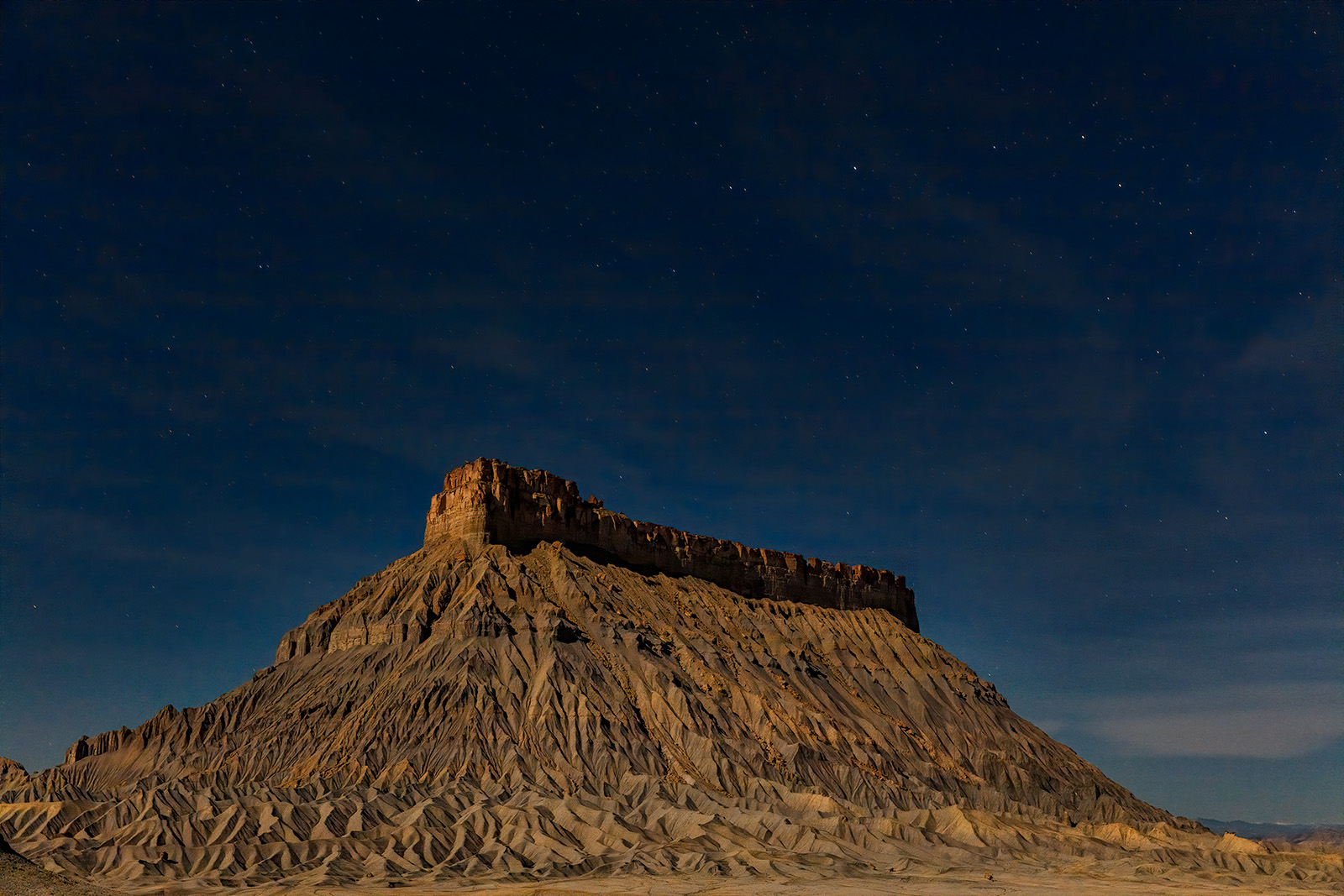
Hi Jim, I think one problem is that many of the stars are blue, and don't get selected. My problem with the second selection is that when I go into select, the choices are greyed out. I think I need to do something to finish the first selection. I have never done a two step selection I usually finish with a save to new layer.
I need to start over and do this operation before I add any global Topaz steps. In fact, I need to keep the Topaz steps away from the sky. I will play some more but I have a ton of stuff to process first, so maybe later, and posting it to critique is a great idea. Maybe I will just do that first.
Hey Ben,
First off, you aren't selecting blue stars. This method won't select every single star in the sky. It's using the Color Range tool, which means it selects based on color. So you are selecting "whitish" colored stars. If you want to select blue/cyan colored stars you would do it a second time, but because the sky is blue/cyan it will take some careful layer masking. But I almost always just use the white stars.
2nd, you are making the first large selection for the area in the sky the stars are in, then you are making that into the top layer mask.
(The selection disappears since you made it into a Layer Mask)
3rd, then on the middle layer you are making a selection of just the stars with the Color Range tool, and turning that into a layer mask.
4th, the bottom layer you brighten to make the stars shine more.
One second, I will add a screen shot from my iPhone.