
Visit to Lighthouse island
- Thread starter Jaava
- Start date

Hi Jaava,
Welcome to FocalWorld!
I edited your Thread to insert the photo for you from your website.
In order to insert a photo from your website, what you have to do is the following.
1. At the bottom of the photo on your website, a small banner moves up when you move the mouse down. Click on the Link symbol (looks like a chain) it's the one all the way to the left.
2. A window will pop up with different Link Options. Choose the bottom one, it will say (!280x853 px) Copy the URL listed on that line.
3. Then come back here to the thread you are creating, click the "Image" icon, and in the URL line, paste in the URL you copied from your website Link Panel.
4. Click "Insert", and it will now insert the photo into you thread here.
If you have any questions be sure to ask, you almost had it.
Jim
Welcome to FocalWorld!
I edited your Thread to insert the photo for you from your website.
In order to insert a photo from your website, what you have to do is the following.
1. At the bottom of the photo on your website, a small banner moves up when you move the mouse down. Click on the Link symbol (looks like a chain) it's the one all the way to the left.
2. A window will pop up with different Link Options. Choose the bottom one, it will say (!280x853 px) Copy the URL listed on that line.
3. Then come back here to the thread you are creating, click the "Image" icon, and in the URL line, paste in the URL you copied from your website Link Panel.
4. Click "Insert", and it will now insert the photo into you thread here.
If you have any questions be sure to ask, you almost had it.
Jim
Thank you Jim for welcoming, editing the message and advice.Hi Jaava,
Welcome to FocalWorld!
I edited your Thread to insert the photo for you from your website.
In order to insert a photo from your website, what you have to do is the following. ...
Jim
For testing your advice
, I'll add another image from the islands: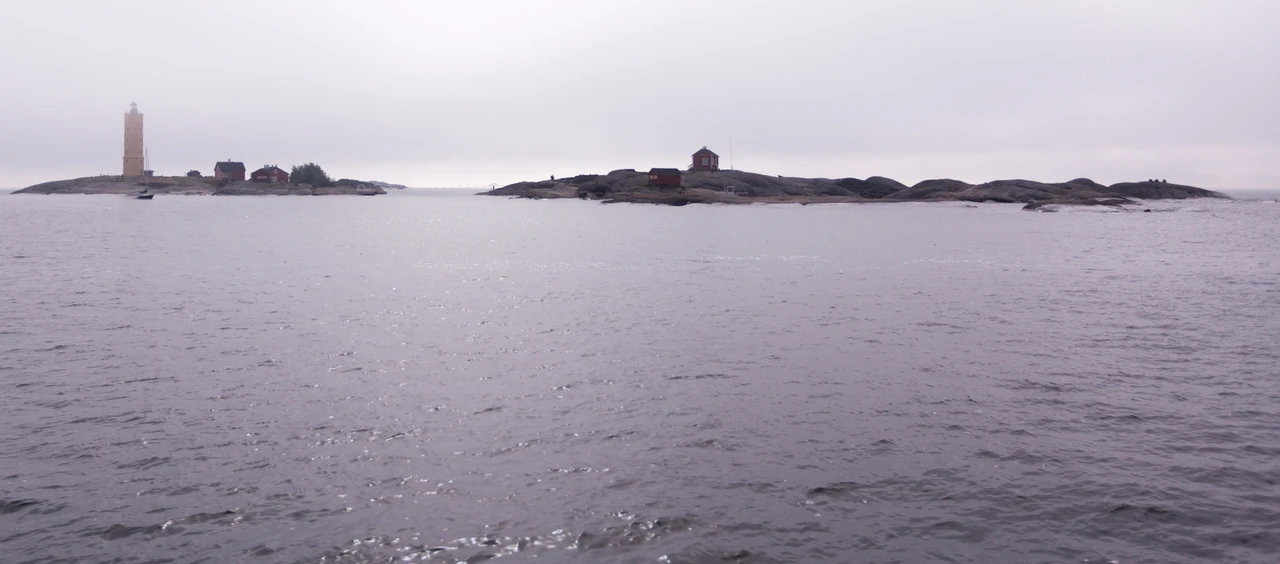
Lighthouse keeper and their families lived at the island to the left and pilots at the rightmost island.
The Söderskär lighthouse was build in 1862 (the lamp was lit 15.9.1862) and originally made of bricks, byt later reinforced with a cover 1914.
The light was visible from as far as 15 sea miles, and at first the fisherman were worried the bright light would scare the fishes away.
It served until 31.10.1989, when the light was turned off.

Welcome to the forum, I like that first image.
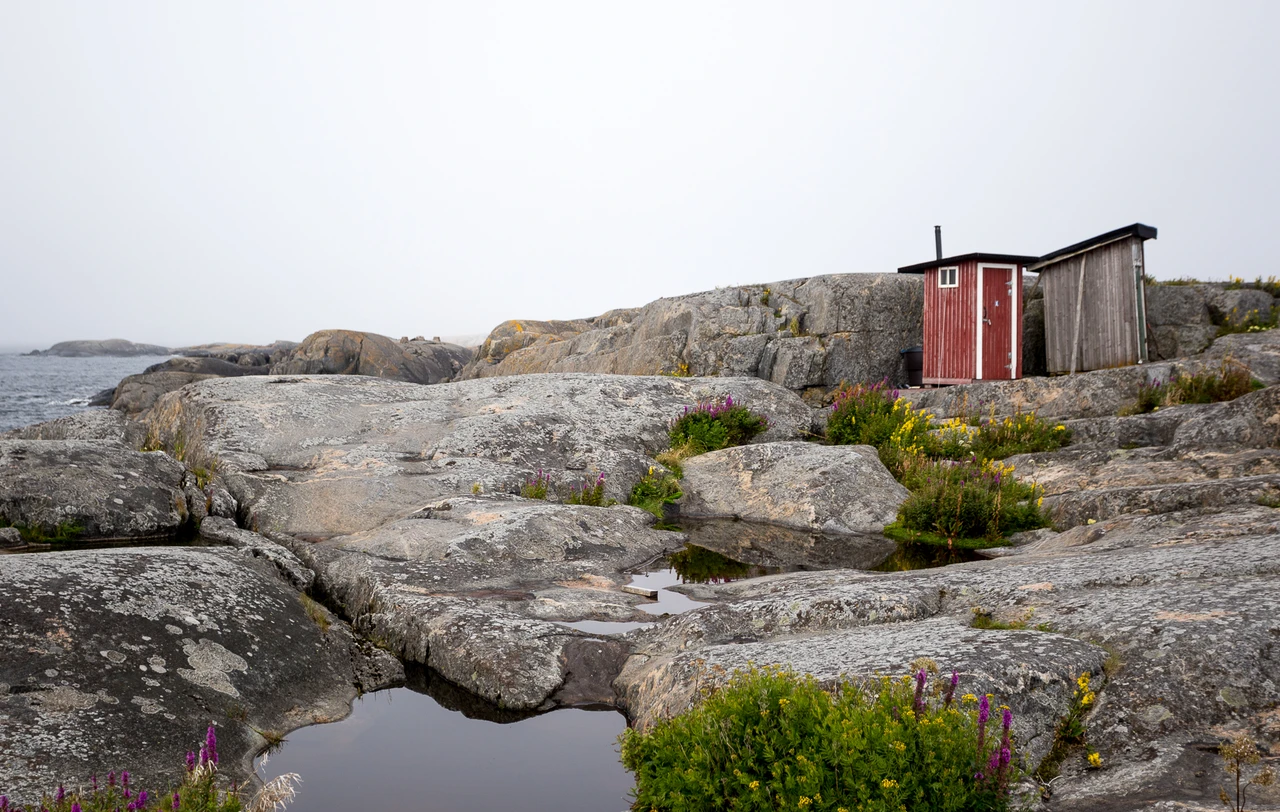
Now I know what they are in english: outhousesThose are some very picturesque Outhouses! I like the flowers you captured in this scene mostly.
Its amazing how the plants survive on those conditions. Especially the winters are harsh: ice all over the ilands, salty water, hard winds and temperuture below zero as low as -35 degrees centigrade (31 degrees fahrenheit).
And still the flowers may be easy on the eyes.

AlanLichty
Moderator
That is a seriously harsh environment. Always an interesting testimony to the hardiness of the beautiful flowers that manage to sprout and blossom in the bits of soil between the rocks.
Thanks for sharing.
Thanks for sharing.

Kyle Jones
Moderator
Thanks for sharing and welcome to the board. Looks like a really amazing place.
