Here is my try at this. As Ben said there is no right or wrong, it's simply which matches your vision of it best.
I selected just the moon with the quick select tool. I expanded the selection by 1 pixel and then feathered it by 1 pixel. I then did like 40% Highlight recovery to pull detail back into the moon.
I then applied a Photo Filter, a Cool filter at about 18% to cool down the image to give the Blue moon a Blue cast. I did apply it to the whole image as I liked how it took down that excessive warmness to the sky (my opinion).
3rd, I made a layer mask and light painted along the spear of light from the one hotel with a layer below it which I had increased the brightness about 20% to get that beam of light in the sky to be a little more pronounced.


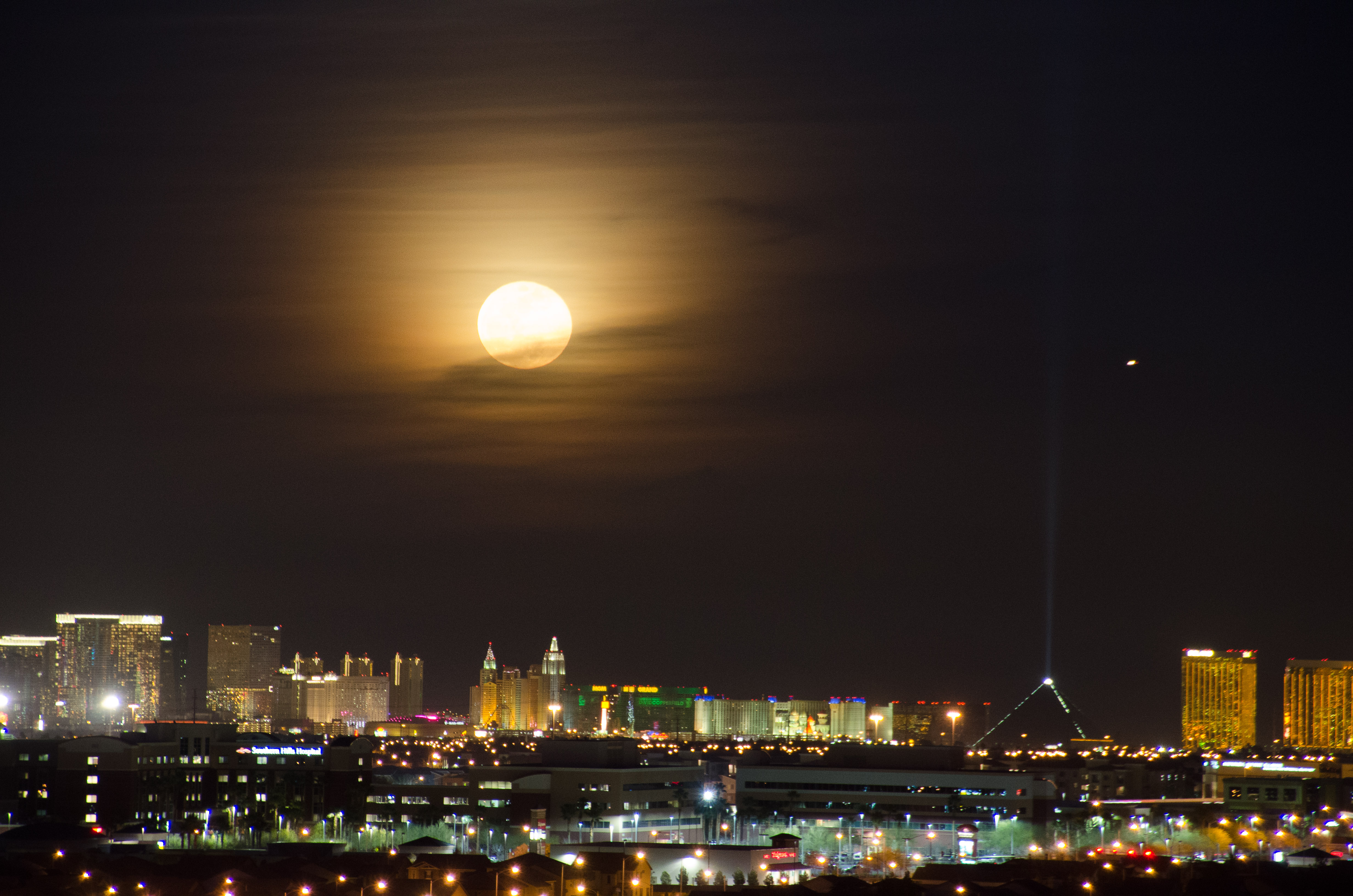


 . If I can figure out how to target the moon only!
