Lets play #1 3-30-2018

Ben Egbert

Forum Helper
Staff member
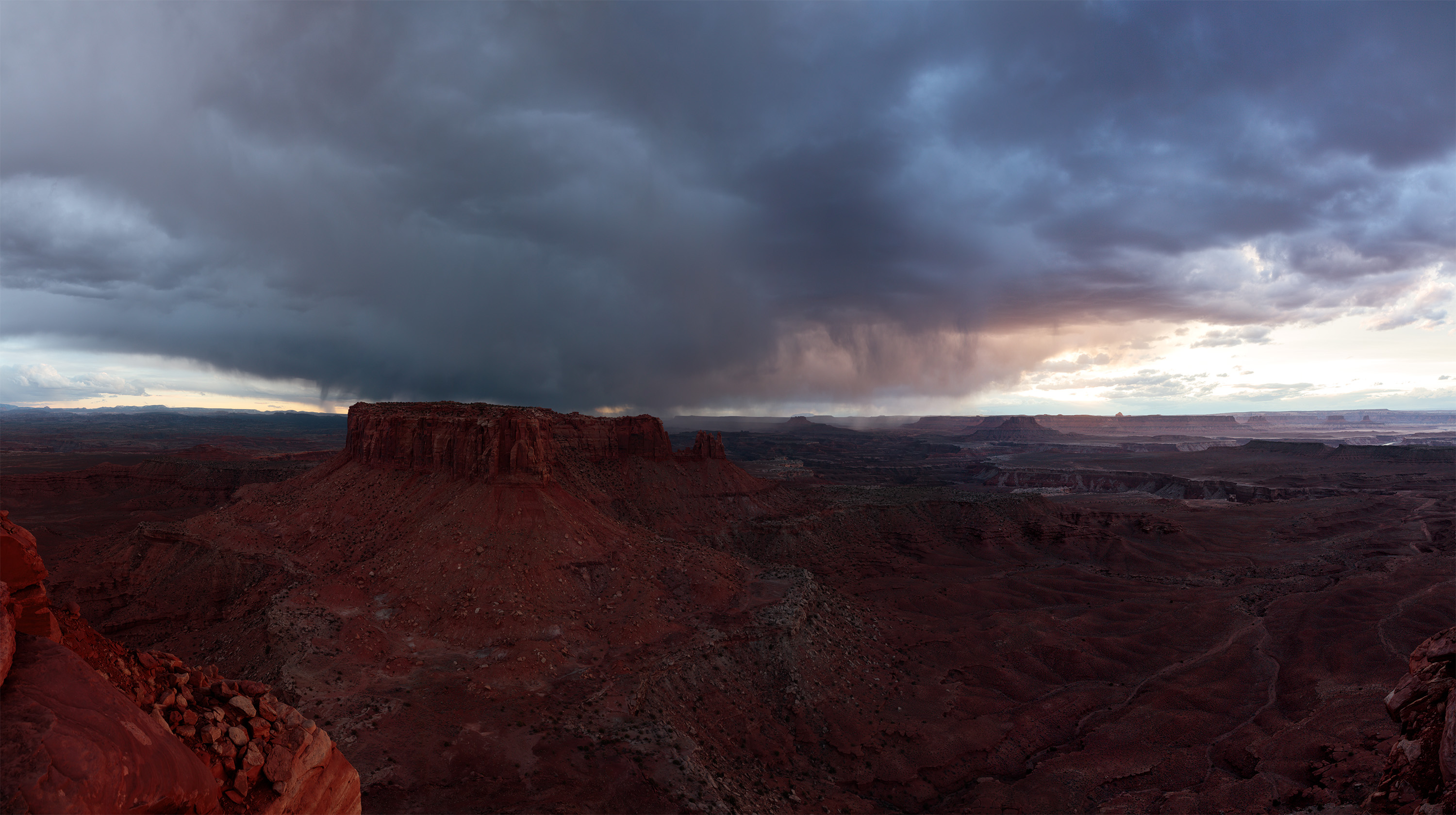
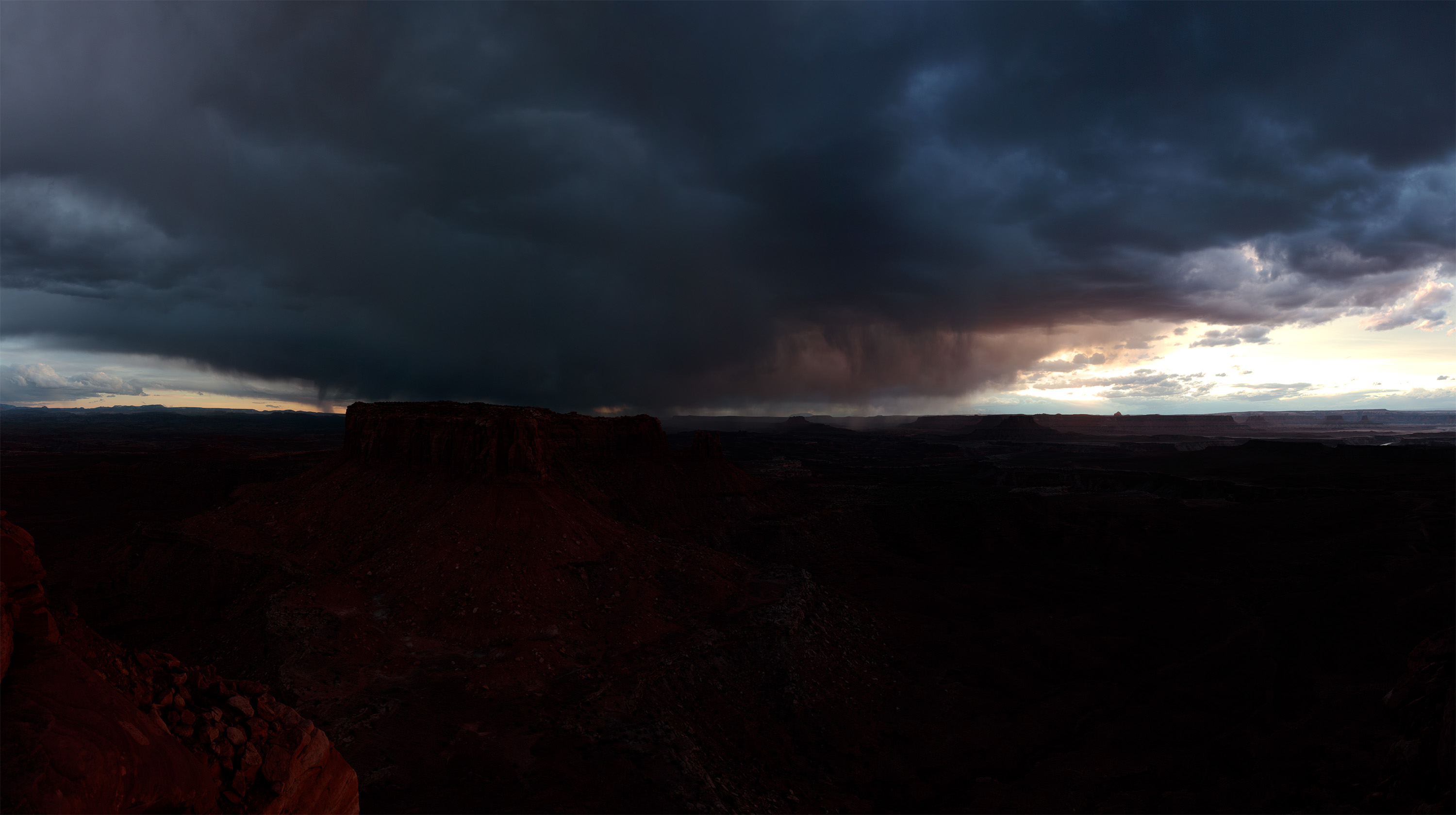
This is a complex image Each exposure consists of 4 frames stitched. So 3 brackets x 4 equals 12 images worth of data. Of course I did the stitching and I aligned and sized them so they should overaly fine for you. They are also downsized to 3000 wide. The originals are of course imense.

The issues here are two.

1. The lightest image almost works by itself save for the blown out area at center right. In this case, even the dark image is slightly blown, but has teh detail needed to fill in that area. I included the middle image also in case you wanted it for smoother transistions.

2. The final color balance. I ended up too red.

I would love to see what the wonderful people at Focal World would come up with.
 

JimFox

Moderator
Staff member
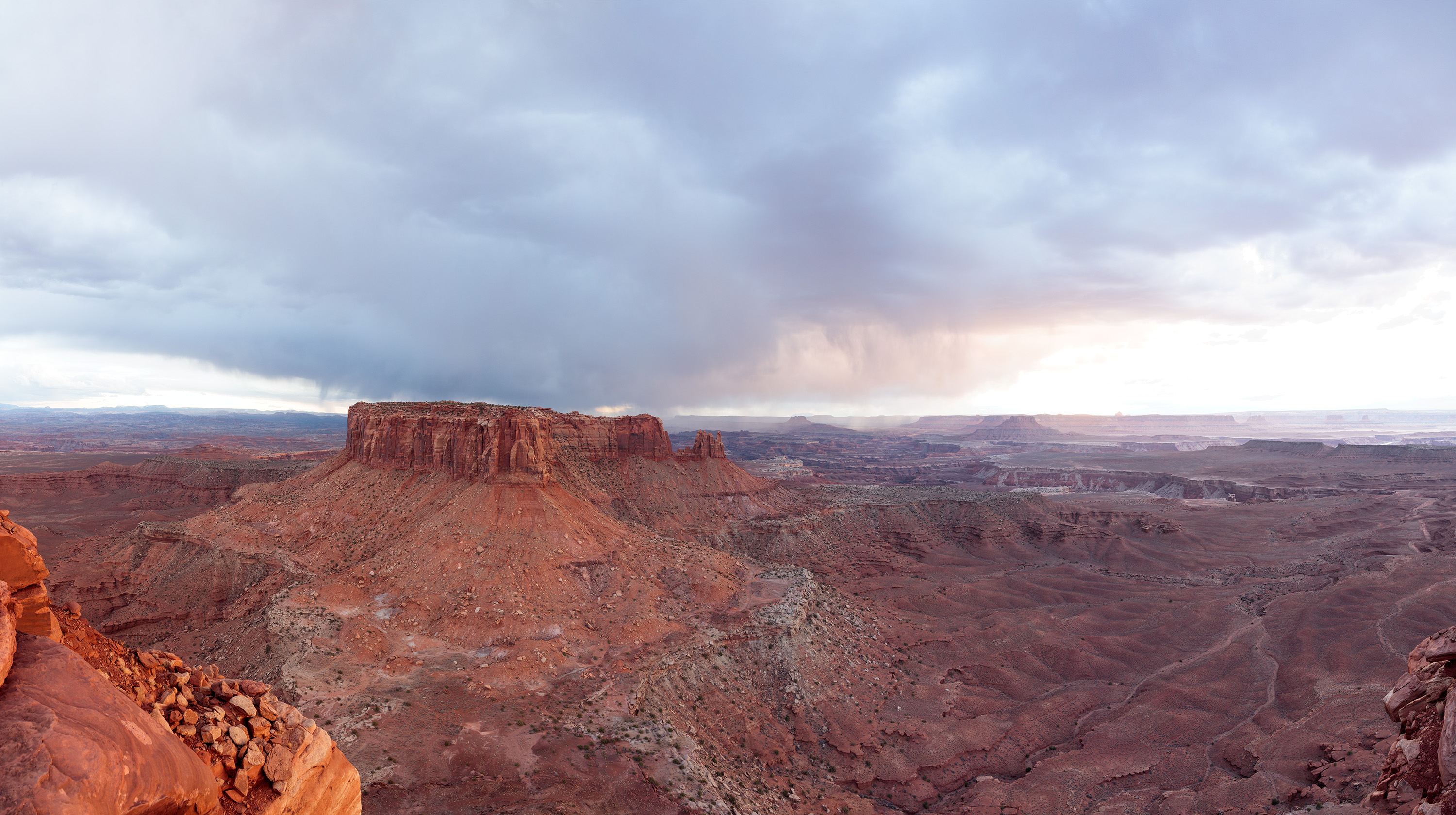
Here is mine Ben. I had a tough time with that bright area. But I did the blend evened out the light. Desaturated the Red a lot, added a bit of a cyan cast to the red. And then I did a crop, as the rock on the left distracted me too much.

Ben_180314-4401-4413 gv st 2 dk copy_d.jpg
 

Ben Egbert

Forum Helper
Staff member
Thanks Jim, this looks great. I also had a tough time, with thart area. I used a 10% brush and just kept working it until I got some clouds in there without a tell tale dark halo.

Looks like this forum is not to popular.
 

JimFox

Moderator
Staff member
Thanks Jim, this looks great. I also had a tough time, with thart area. I used a 10% brush and just kept working it until I got some clouds in there without a tell tale dark halo.

Looks like this forum is not to popular.
It was probably the Easter weekend Ben, I know I didn't have any time to work on this until 1am Sunday night. We should have thought that lot's of people are just out busy with families.
 

AlanLichty

Moderator
It took me a couple of times to get past the bright area on the right but in the end this is a single frame shot based on the medium exposure Ben posted. All of the exposure work was done in Lightroom. I kicked up the exposure to bring up some more light in the bulk of the scene and then used a brush tool to isolate the bright area. I ended up desaturating that area to -32 with exposure set to -1.07 and feathered the edges to smooth out the boundaries. I used another brush along the rocks at the bottom to tame the reds by dropping the saturation to -39. Finally there was an area in the clouds just above and to the left of the bright area that felt a little too dark and too much blue. I set the brush for -24 on saturation, bumped the whites to +44 with shadows set to +10. Temp was set to +10 and tint at +2.

Bens.jpg
 

Ben Egbert

Forum Helper
Staff member
Thats a very nice job for a single image. I think the first one I posted here was a single medium, but I left the bright area cloudless.

As you can see, without cranking up the reds, it's not really much of an image. At least to my taste. But seeing what others like is very informative to me.

My goal is to find a way to post images to the general taste of the forum and save the cranking for personal consumption.
 

Darcy Grizzle

Well-Known Member
Ohhhhh I can't wait to try now but it will have to be tomorrow, as I am running out of time again LOL. Don't give up on me, I WILL DO THIS hahahah as I love these Let's Play's.
 

Kyle Jones

Moderator
Hey Darcy, you did good with recovering the blown out area in this. I see you went for a softer contrast look similar to what Alan did.
I do like the soft treatment of the landscape. This attempt does provide a good example of the dangers trying to recover blown highlights though. If it is truly blown (no detail), then recovering the highlights just leaves that area looking grey.
 
Top Bottom