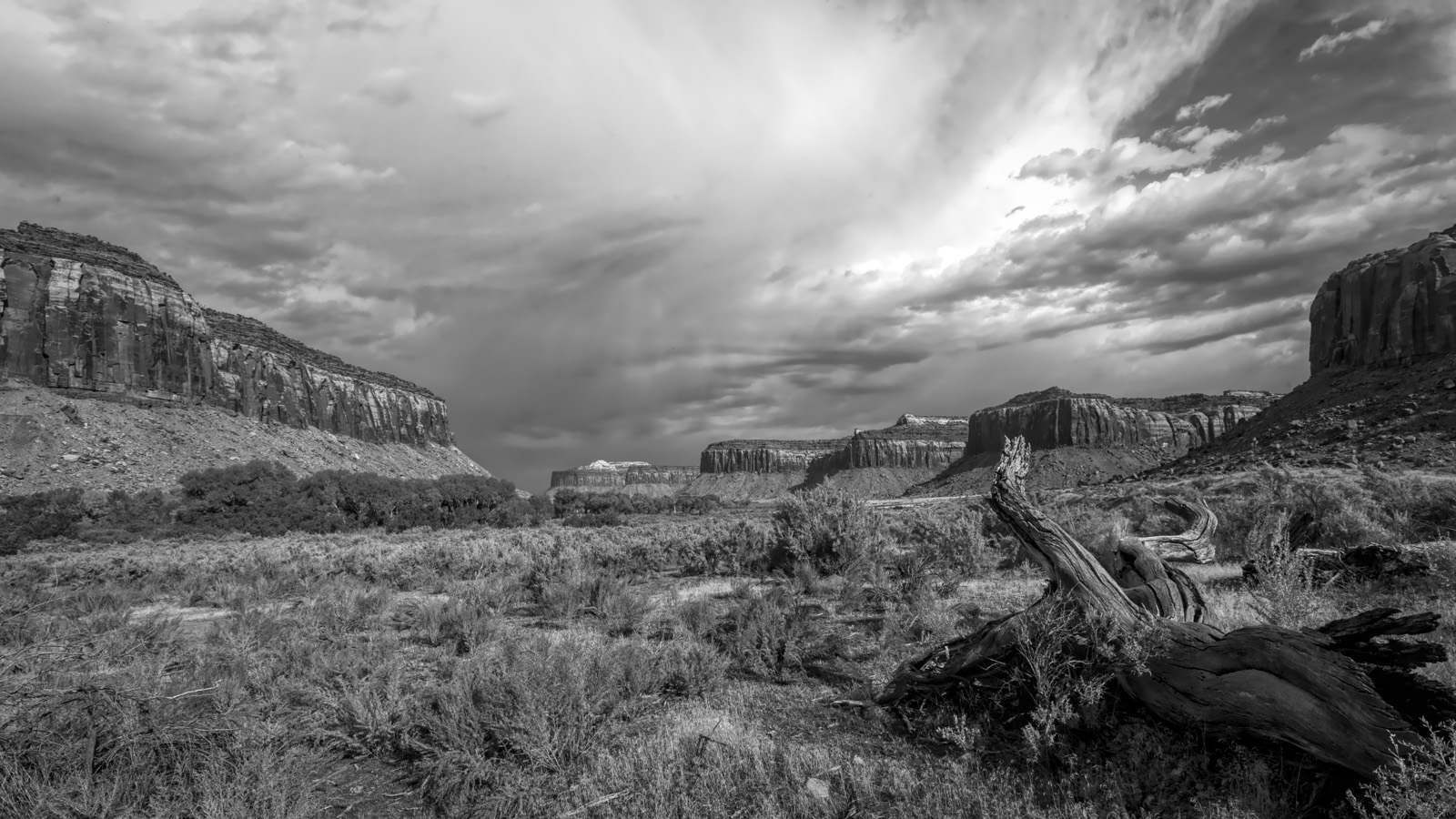
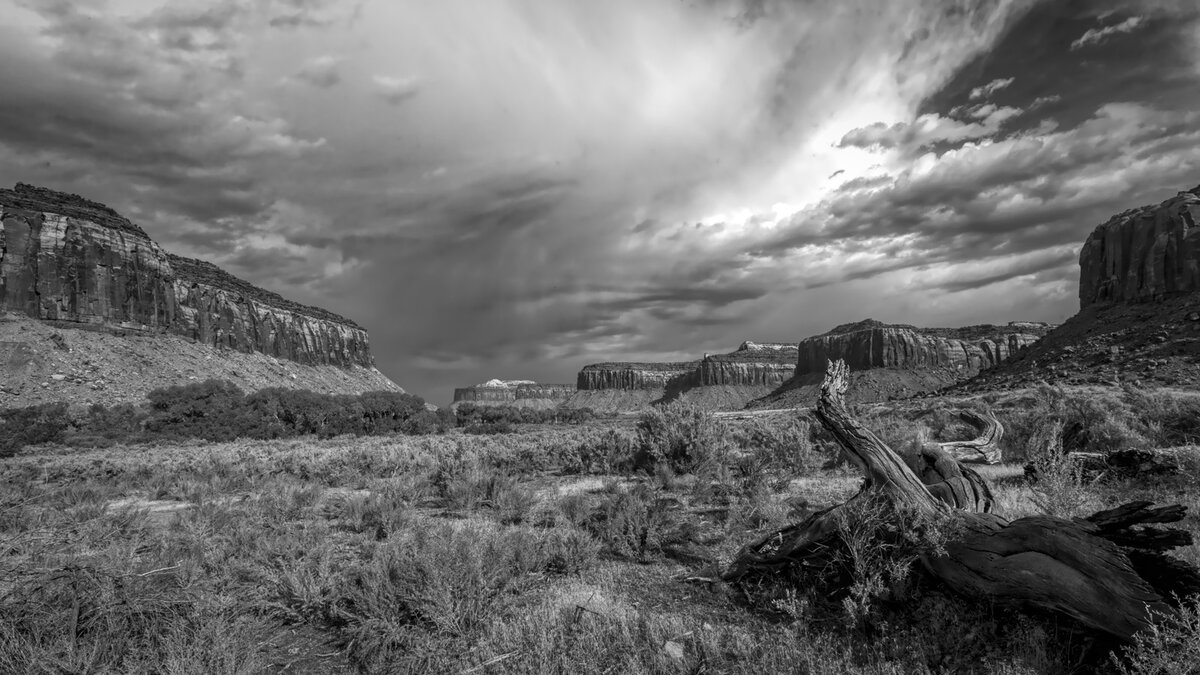
Canyon in Utah (plus edit)

JimFox

Moderator
Staff member
I like it Ben! That's a great composition and the B&W looks pretty good. I could see some more contrast in this being added, but as it is now it has a nice tone to it.
 

Ben Egbert

Forum Helper
Staff member
Thanks Jim, I also thought it needed more contrast, and did add some, but did not like the look. As you know, I am not well versed in B&W. I am using Topaz Studio 2 for my conversions. Any tips would be helpful to me.
 

AlanLichty

Moderator
I like your B&W processing for this scene. There are a lot of ways to to enhance contrast when converting to B&W but in this case I like the simple balance you chose for this one.
 

Ben Egbert

Forum Helper
Staff member
Thanks Alan, I will be doing more of these and hoping to grow my skills in B&W processing.
 

Jim Dockery

Well-Known Member
Nice shot Ben. I might pull down a bit of a GND filter from the top so it isn't so bright right on the edge. The contrast looks good to me, but if I was in Silver FX I might add some structure to give the clouds some more drama.
 

Ben Egbert

Forum Helper
Staff member
Thanks Jim I have done some cloud enactment in Topaz but if you think it needs more that’s a good call
 

Ben Egbert

Forum Helper
Staff member
Thanks Alan, the edit was more dramatic in Photoshop, less when converted to JPG.

I went looking for Nik silver EXF and see that it's a $79 download. I have used it in the past, but I am not sure I cant get the same results using Topaz.
 

AlanLichty

Moderator
Silver Efex is part of the Nik suite that DxO now handles. I am still getting by with an older version dating back to when Google owned the old Nik suite but am waiting for the day when it stops working before ponying up the $$ to DxO. Silver Efex is still the standard for B&W processing for me.
 

Jameel Hyder

Moderator
Staff member
Nice edit Ben. Looks nice in B&W. Like Alan, I have the free version of Nik suite which works fine. I do use SilverFx mostly but sometimes use Viveza as well.
 
Top Bottom